

tin giraffe (blender, substance)
Tin Giraffe (Blender, Figma, Substance Painter)
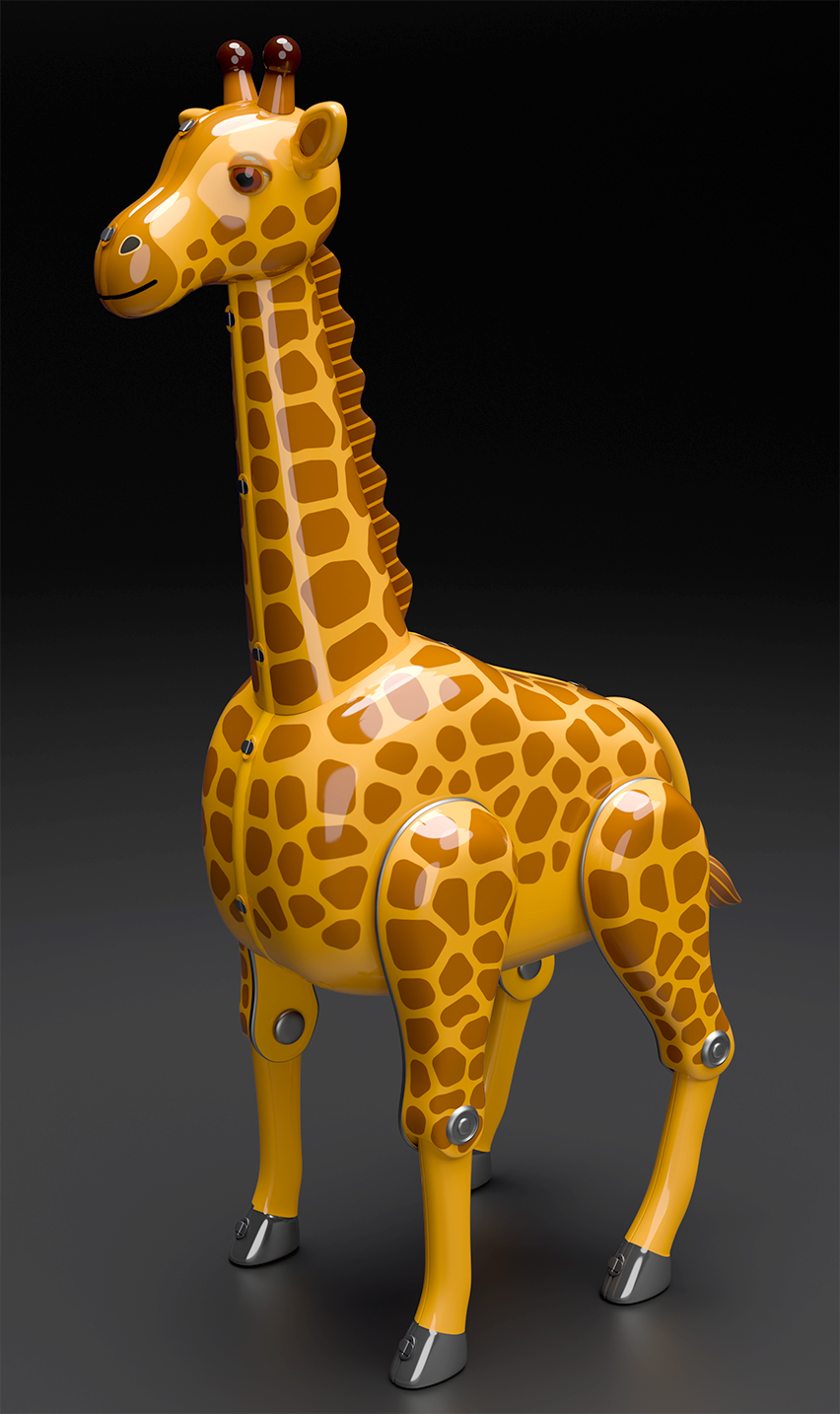
Number eight in the new series. I was feeling energized after finally grasping the basics of Substance Painter and finishing my long-delayed Picasso Robot a few days ago, so I decided to jump in and finish up another piece I had left on the back burner.
During Japan’s tin toy golden age of the 1950s-60s, the category of animal toys was well-represented by all the big makers, including Yonezawa, Nomura, and Masudaya. There were even at least a couple of giraffes, but I decided to design this one completely on my own without referencing them. Like Picasso Robot, I finished the 3D modeling quickly, but hit a wall because I wanted to have precise control over texture placement, and knew I needed to get over the hump of working in Substance Painter so I could minimize thrashing around and use it intentionally. After putting it off for six months, it took just a couple afternoons to wrap it up.
For the previous piece I published (Picasso), I was focused on internalizing the general Blender-to-Substance workflow: preparing and exporting assets, creating texture sets, bringing it all back into Blender for the final render pass, and so on. I thought of it as a rigid, step-by-step pipeline, but with this build I finally began to grasp a more fluid approach: using Substance for what it’s great at (creating textures), but working interactively between Substance, Blender, and Figma as I pieced together the final design bit by bit. The process a lot more forgiving than I originally believed, and I’m finally starting to feel comfortable with it.
I have another older model on the back burner from waaaay back that I’m going to work on next in Substance. Stay tuned!
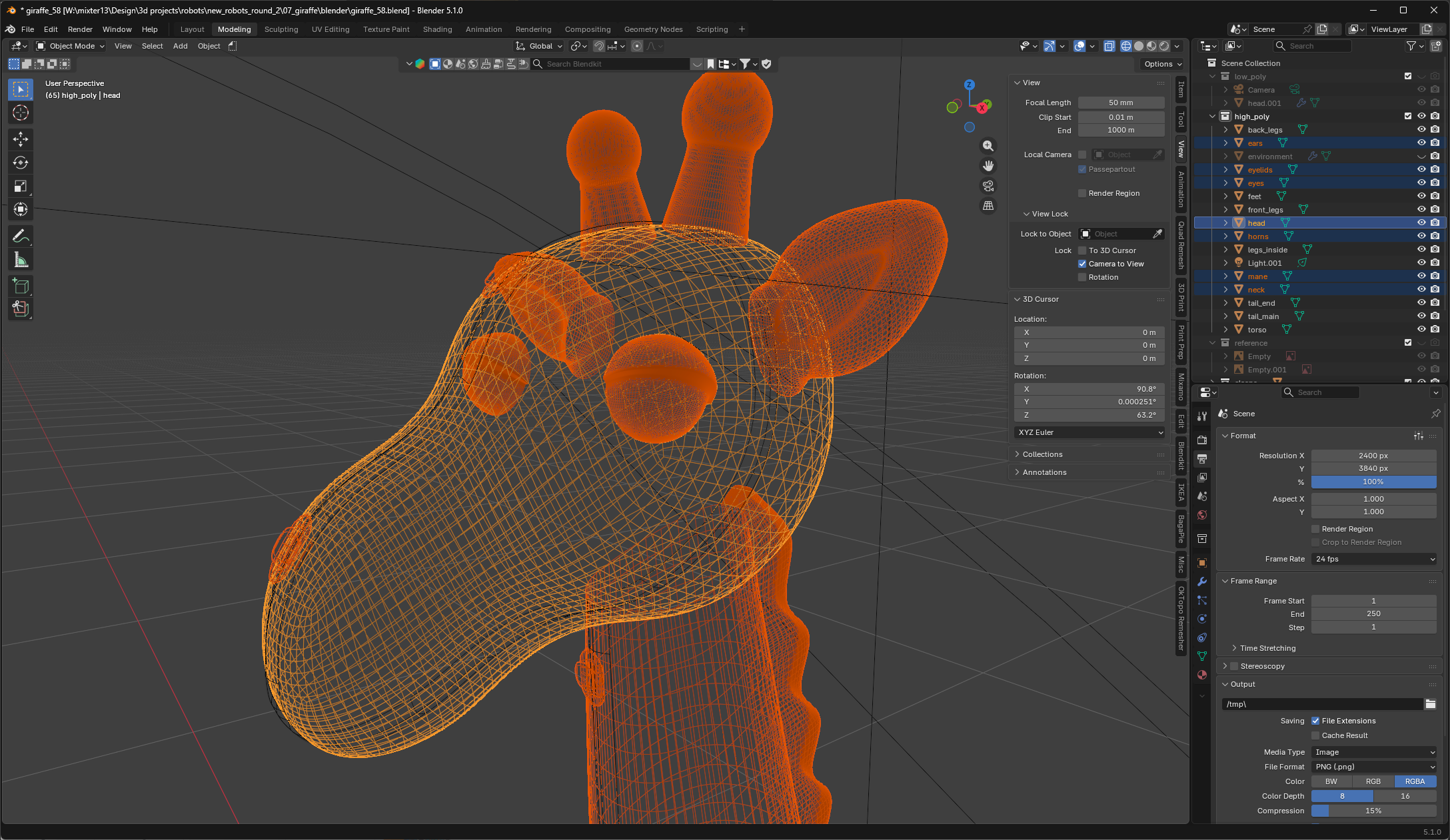
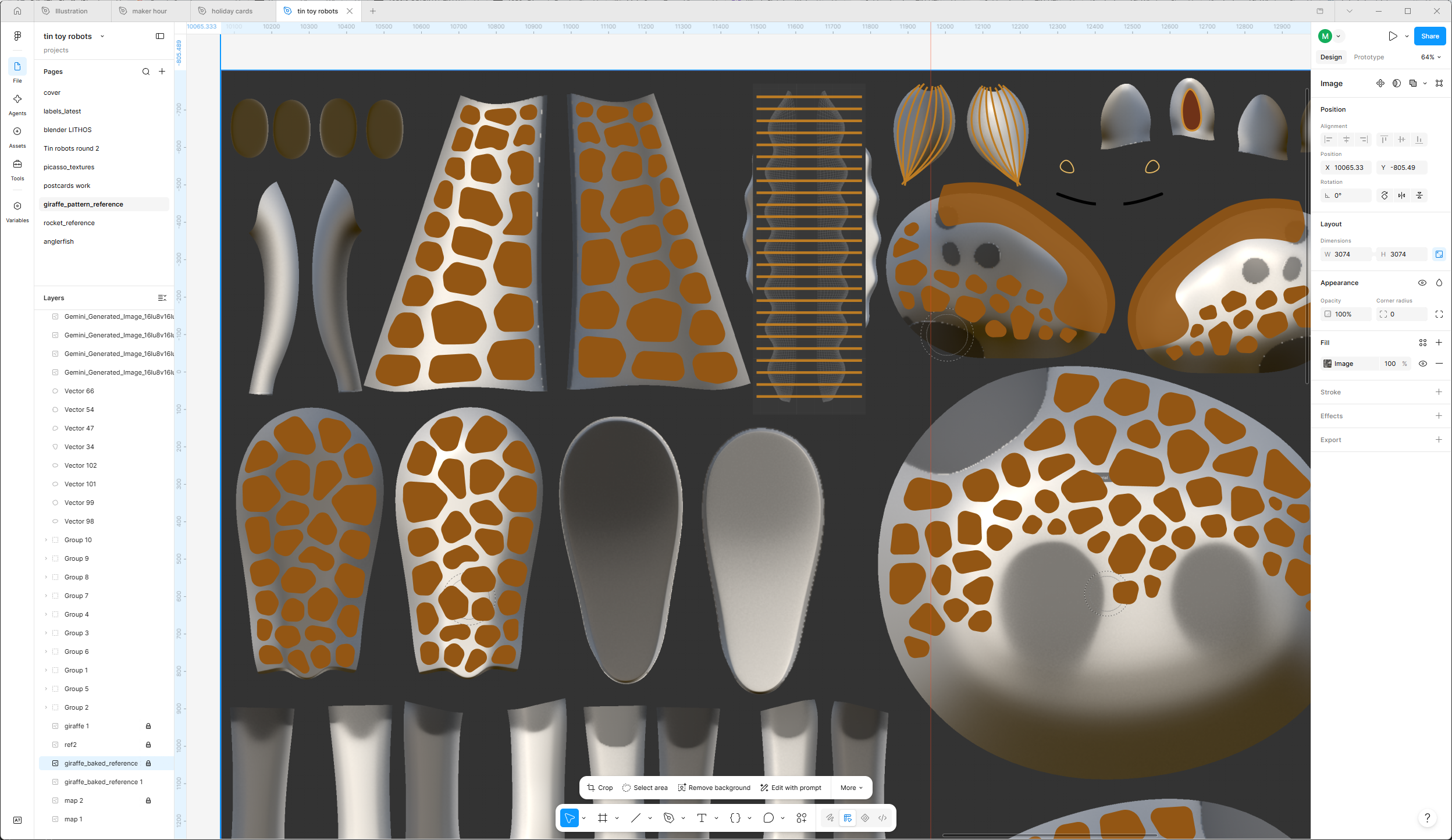
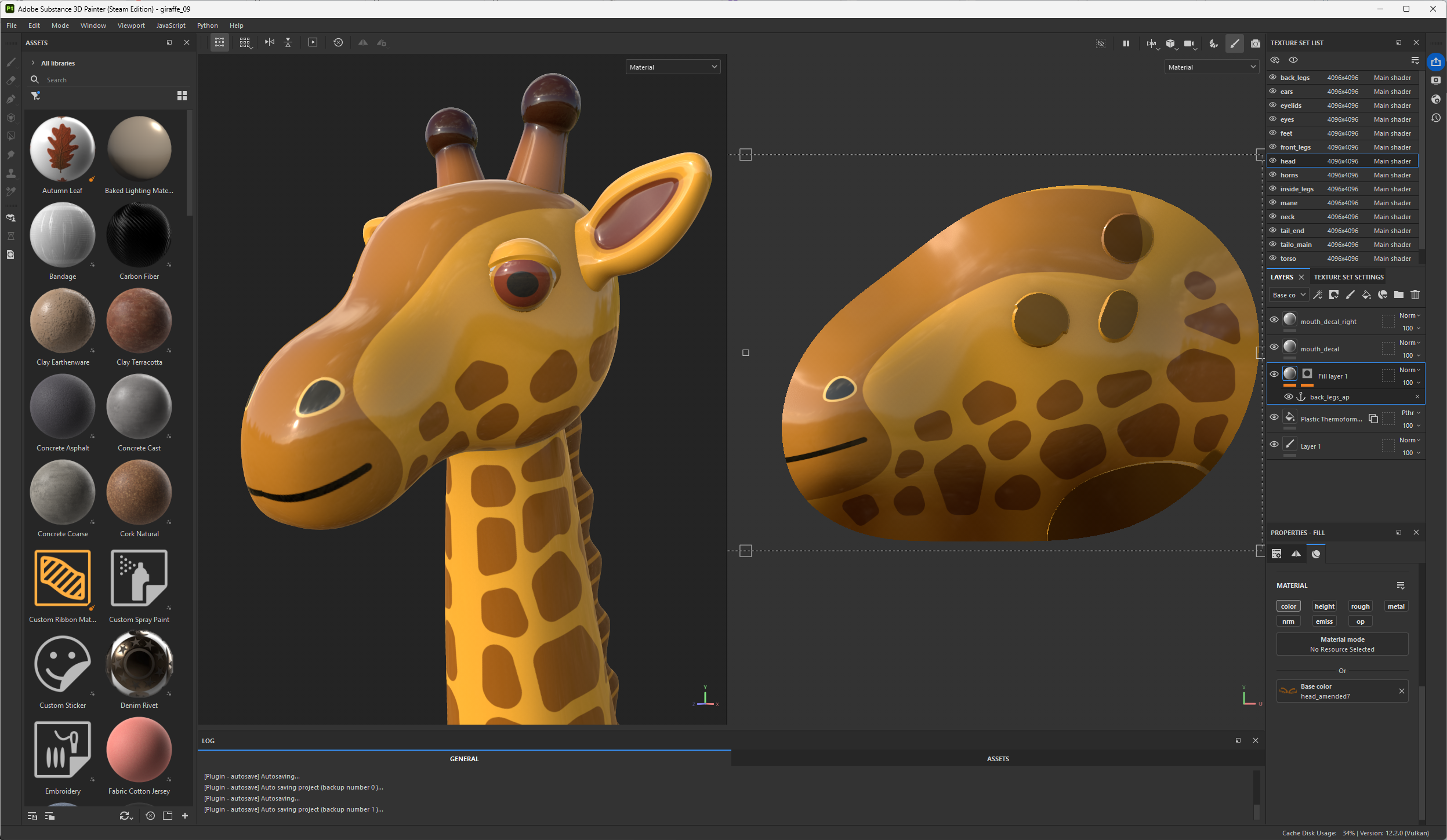
Left to right: modeling in Blender; designing the texture maps in Figma; building and applying the texture sets in Substance Painter.